WordPress Website Development: The Complete Guide to Building a Professional Website in 2026
Today, WordPress powers more than 40% of all websites worldwide, from personal blogs to large global eCommerce stores. In Saudi Arabia, WordPress website development has become the first choice for startups and large enterprises alike, thanks to its flexibility, ease of management, and scalability. However, building a professional WordPress website is not simply about installing a theme and adding content. It is a strategic process that combines precise development, responsive design, performance optimization, and security. This guide takes you step by step from the initial idea to a successful launch.
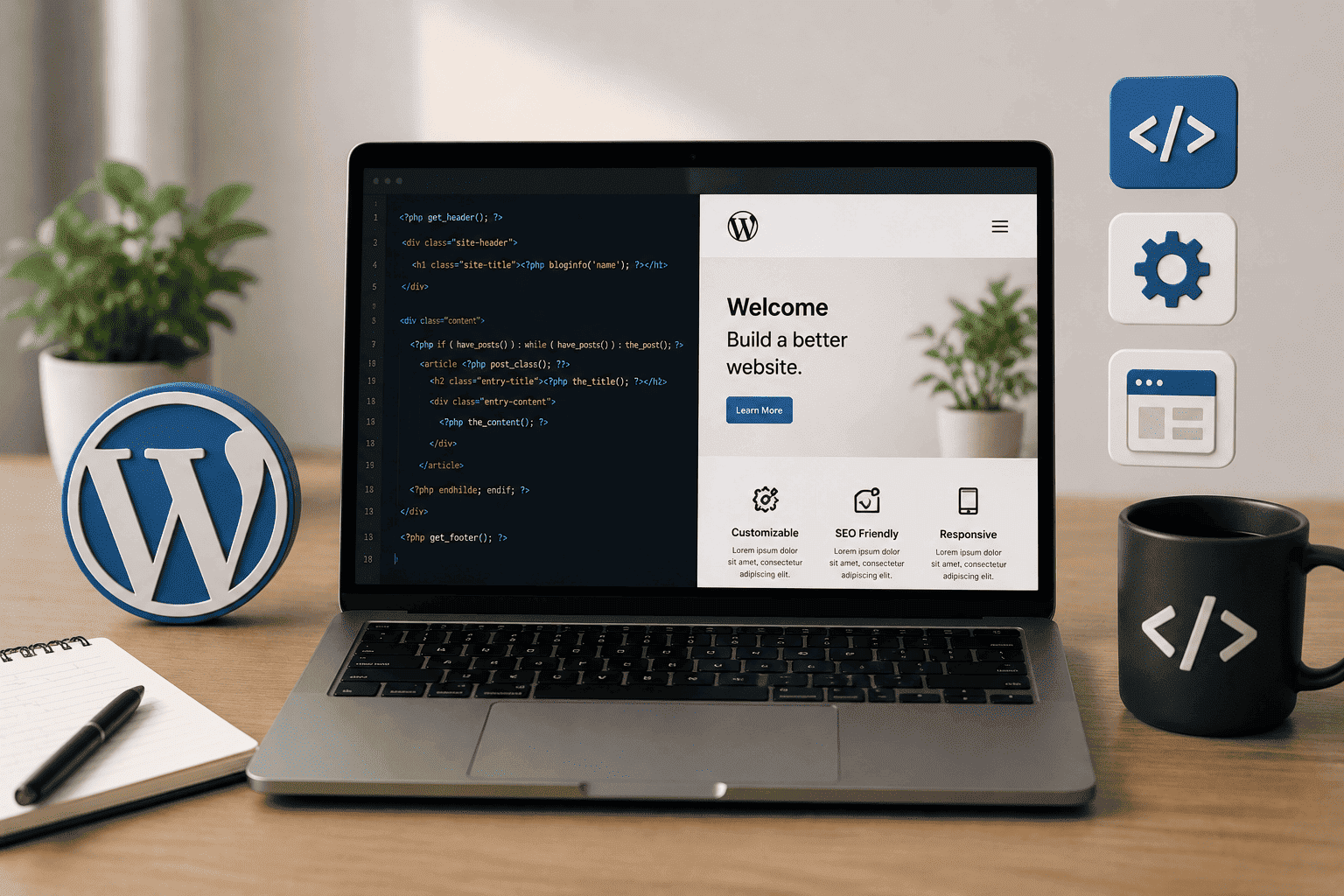
Professional WordPress website development combines both: an attractive visual design built on a solid technical foundation.
Tip: Invest in fast hosting that supports LiteSpeed Cache technology to maximize website performance.
Warning: Avoid installing too many plugins, as every additional plugin can affect your website’s performance.
Why Is WordPress the First Choice in 2026?
WordPress is not just a Content Management System (CMS); it is a complete ecosystem that gives you full control over your digital presence. Here are the reasons why it is the ideal choice:- Ease of Use: You can build and manage your website without writing a single line of code, while still having advanced customization options for professionals.
- Unlimited Flexibility: Thousands of themes and plugins can bring almost any idea to life.
- SEO-Friendly: Its clean code structure and full control over titles, URLs, and meta tags make it a preferred platform for SEO.
- Full Arabic Support: Most modern themes and plugins fully support the Arabic language (RTL).
- Scalability: You can start with a simple website and later expand it into an online store or a complete platform without rebuilding everything from scratch.
The Difference Between WordPress Website Development and Design
These two terms are often used interchangeably, but they are fundamentally different:| Criteria | Design | Development |
| Focus | Visual appearance and user experience | Technical functionality and performance |
| Tools | Figma, Adobe XD, Elementor | HTML, CSS, PHP, JavaScript |
| Output | Visual interface and layout | Code structure and custom functionality |
| Goal | Attract visitors and improve navigation | Ensure stability, security, and speed |
Essential Elements Before Starting Development
1. Domain Name
A domain name is your website’s address on the internet. When choosing one, make sure it is:- Short and easy to remember.
- Reflective of your brand identity.
- Includes a relevant keyword whenever possible (e.g., fvs.com.sa).
- Uses an appropriate extension (.com for commercial websites, .sa for Saudi businesses).
2. Hosting
Hosting is the server where your website files are stored. Consider the following factors when choosing a hosting provider:| Criteria | Importance |
| Server Speed | Affects user experience and SEO |
| WordPress Compatibility | Supports PHP, MySQL, and databases |
| Security | Firewalls and daily backups |
| Technical Support | Available 24/7, preferably in Arabic |
| Scalability | Handles future website growth |
3. SSL Certificate (HTTPS)
An SSL certificate is essential for encrypting visitor data and building trust. Websites without SSL display a “Not Secure” warning and tend to rank lower in search engine results.Building a Professional WordPress Website
Step 1: Install WordPress
Most modern hosting providers offer One-Click Installation through tools like Softaculous. After installation:- Set your Permalinks to Post Name for better SEO.
- Enable your SSL Certificate to display the secure padlock icon.
- Configure your website’s default language and time zone.
Step 2: Choose a Theme
Your theme is the visual foundation of your website. A professional WordPress theme should include:- Responsive design for all devices.
- Fast loading speed and clean code.
- SEO-friendly structure.
- Easy customization with page builders like Elementor.
- Compatibility with essential plugins such as Yoast SEO, WPML, and Contact Form 7.
- Full RTL (Right-to-Left) support for Arabic websites.
Step 3: Install Essential Plugins
Plugins transform a basic WordPress website into a professional platform.| Plugin | Function |
| Yoast SEO / Rank Math | Optimize your website for search engines |
| Elementor / WPBakery | Drag-and-drop page builder |
| Wordfence Security | Firewall and malware protection |
| UpdraftPlus | Automatic backups and easy restoration |
| LiteSpeed Cache / WP Rocket | Caching and performance optimization |
| Akismet Anti-Spam | Spam comment protection |
| WPForms | Create contact forms easily |
| Smush / ShortPixel | Automatically compress images without quality loss |
| WooCommerce | Turn your website into a fully functional online store |
Step 4: Build Your Website Structure
Before adding content, create the essential pages that form your website structure:- Home Introduces your business and value proposition.
- About Us Your brand story and company values.
- Services / Products Details about what you offer.
- Blog Educational content that attracts organic traffic.
- Contact Us Contact form and business information.
- FAQ Answers to common customer questions.
- Privacy Policy Required for legal compliance.
- Terms & Conditions Protects both your business and visitors.
Step 5: Design Pages with Elementor
Elementor is the most popular WordPress page builder, allowing you to create professional layouts without coding.- Open the page you want to edit.
- Click Edit with Elementor.
- Choose widgets from the sidebar.
- Drag and drop elements into place.
- Customize colors, typography, and spacing to match your brand identity.
Step 6: Configure Basic SEO
Optimize your website for search engines from day one.- Set Permalinks to Post Name.
- Organize headings properly (H1–H6) with relevant keywords.
- Write a 150–160 character Meta Description for every page.
- Add descriptive Alt Text to every image.
- Create internal links between related pages.
- Generate an XML Sitemap to help Google index your website.
Step 7: Improve Website Performance
Most visitors leave a website if it takes longer than three seconds to load.- Compress images using Smush or ShortPixel before uploading.
- Enable caching with LiteSpeed Cache or WP Rocket.
- Keep only essential plugins installed.
- Use a Content Delivery Network (CDN) for faster global loading.
- Upgrade to the latest supported version of PHP.
Step 8: Secure Your Website
- Install Wordfence Security or Sucuri.
- Limit failed login attempts.
- Change the default login URL (wp-admin).
- Keep WordPress, themes, and plugins updated regularly.
- Use strong and unique passwords for every account.
Building an Online Store with WooCommerce
If you plan to sell products or services online, WooCommerce is the ideal solution. It allows you to:- Add products with images, descriptions, prices, and inventory.
- Integrate payment gateways such as Mada, PayPal, Apple Pay, and more.
- Manage customer orders and shipping.
- Create discount coupons and promotional campaigns.
- Generate sales and customer reports.
Common WordPress Development Mistakes to Avoid
| Mistake | Impact | Solution |
| Using a heavy theme | Slow loading speed and poor SEO | Choose a lightweight, optimized theme |
| Installing too many plugins | Conflicts, errors, and security issues | Keep only 10–15 essential plugins |
| Ignoring updates | Security vulnerabilities | Update WordPress and plugins regularly |
| Uploading uncompressed images | Slow website performance | Compress images before uploading |
| No backup system | Risk of data loss | Schedule automatic daily backups |
| Ignoring SEO | Poor search engine visibility | Optimize your website from the beginning |
| Not testing on mobile devices | Losing mobile visitors | Test your website on all devices |
| Weak passwords | Increased security risks | Use a password manager and strong passwords |
Essential Tools for Professional WordPress Development
| Tool | Purpose |
| Elementor Pro | Advanced drag-and-drop page builder |
| Yoast SEO / Rank Math | Search engine optimization |
| WP Rocket | Website speed optimization and caching |
| Wordfence | Advanced website security |
| UpdraftPlus | Backup and recovery |
| Query Monitor | Performance and debugging tool |
| GTmetrix / PageSpeed Insights | Website speed analysis |
| Google Analytics | Visitor and conversion tracking |
| Google Search Console | Search performance monitoring |
When Do You Need a Professional WordPress Website Development Company?
You can build a simple website yourself, but you need a professional partner when you:- Want a custom-designed website that stands out from pre-built templates.
- Need a fully integrated eCommerce store with local payment gateways.
- Want to achieve strong search engine rankings from day one.
- Require integration with external systems such as CRM, ERP, or payment gateways.
- Need a fast, secure website capable of handling thousands of daily visitors.
- Don’t have the time or technical expertise to manage your website yourself.
Why Choose Future Vision for WordPress Website Development?
Future Vision doesn’t just build WordPress websites we build successful digital platforms.Extensive Experience in the Saudi Market
We have years of experience delivering WordPress projects for businesses across Saudi Arabia and the GCC, with a deep understanding of the local market and Arabic-speaking audiences.Custom WordPress Development
- Fully custom themes built from scratch or extensively customized to match your brand identity.
- Custom plugins developed for unique business requirements.
- Integration with Saudi and GCC payment gateways.
- Full Arabic (RTL) support with right-to-left responsive designs.
High Technical Performance
- Excellent loading speed (under 3 seconds).
- Clean, SEO-optimized code.
- Comprehensive security and automatic daily backups.
- WordPress-optimized hosting recommendations.
Our Services Include
- WordPress Website Design & Development: From corporate websites to fully integrated digital platforms.
- WooCommerce Development: Complete online stores with payment gateway and shipping integrations.
- SEO Optimization: Sustainable first-page search engine visibility.
- Ongoing Maintenance & Support: Security updates and continuous performance optimization.
- Brand Identity Design: Professional logos, color palettes, and typography.
(Frequently Asked Questions)
1. How much does WordPress website development cost in Saudi Arabia?
The cost typically ranges from SAR 3,000 to SAR 25,000 for corporate websites and SAR 8,000 to SAR 50,000 for fully featured WooCommerce stores. Pricing depends on the number of pages, custom design requirements, required functionality, and payment gateway integrations. Investing in professional WordPress development from the beginning helps avoid costly redesigns later.2. How long does it take to build a WordPress website?
A standard business website usually takes 2–4 weeks, while a WooCommerce online store typically requires 4–8 weeks. Larger projects with extensive customization may take up to three months. The timeline also depends on content availability and timely client feedback.3. Is WordPress suitable for eCommerce websites?
Yes. WordPress, combined with WooCommerce, provides a complete eCommerce solution that supports product management, inventory control, local payment gateways, shipping integration, discount coupons, and more. With the right hosting environment, WooCommerce can efficiently handle thousands of products and millions of visitors.4. What’s the difference between a custom WordPress website and using a ready-made theme?
Ready-made themes are faster and less expensive but offer limited customization and may affect performance. A custom-built WordPress website provides a unique design, superior performance, and stronger security. Ready-made themes are suitable for smaller budgets, while custom development is ideal for businesses seeking a distinctive brand identity.5. Can my existing website be migrated to WordPress?
Yes. Your existing website can be migrated from virtually any platform to WordPress while preserving URLs and maintaining SEO performance. The migration process includes transferring content, images, users, and setting up proper redirects to prevent ranking loss.6. Which WordPress plugins are essential?
Recommended plugins include:- Yoast SEO or Rank Math for search engine optimization.
- Wordfence for security.
- UpdraftPlus for automated backups.
- WP Rocket or LiteSpeed Cache for performance optimization.
- Elementor for page building.
7. How can I secure my WordPress website?
Protect your website by:- Installing an SSL certificate.
- Using Wordfence Security.
- Updating WordPress, themes, and plugins regularly.
- Changing the default login URL (wp-admin).
- Using strong, unique passwords.
- Scheduling daily automatic backups.
8. Can a WordPress website rank in search engines?
Absolutely. WordPress is one of the most SEO-friendly platforms available. However, strong rankings require proper SEO configuration, including optimized permalinks, unique page titles and meta descriptions, original content, fast loading speed, and effective internal and external linking. Building SEO into your WordPress website from the beginning significantly improves your chances of achieving first-page rankings.9. Can I manage my WordPress website after delivery?
Yes. WordPress features a user-friendly dashboard that makes content management simple. We provide free training on adding products, updating content, and managing orders. For advanced development changes, it’s recommended to work with a professional support team to avoid technical issues.Conclusion
Building a WordPress website in 2026 is more than just a technical project it’s a strategic investment in the future of your business. A successful website combines attractive design, fast performance, robust security, and comprehensive search engine optimization. Don’t settle for a website that simply works. Invest in one that grows with your business and helps you achieve your commercial goals. Future Vision is ready to transform your idea into a professional WordPress website that ranks in search engines and converts visitors into customers.Related Articles:
- • How to Write Marketing Content That Attracts Customers
- • Professional Marketing Content Writing to Attract Customers
- • SEO Optimization Steps | Better Google Rankings
- • Complete Guide: Search Engine Optimization (SEO)
- • Best 10 AI Marketing Tools in 2026
- • Marketing Consulting Company for Business Growth